Lengths that do not fit
Without the physical route, wire lengths are approximations. The error shows up at first fit, when the harness is already made.
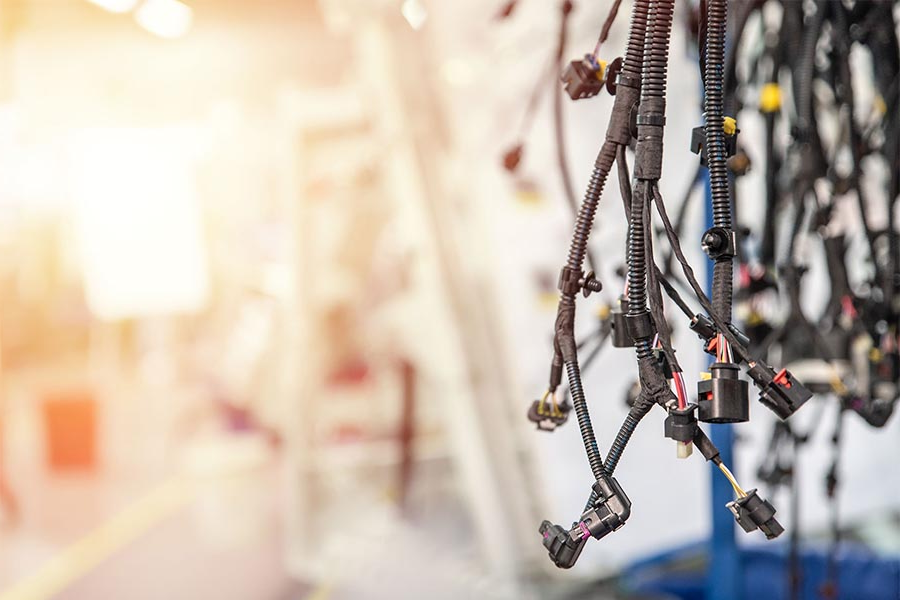
E3.series · E3.cable and E3.formboard
Connectivity from the schematic, wire lengths and harness diameters calculated from the routed model, and 1:1 formboard drawings with cutting lists that a harness shop can build from.
Where harness projects go wrong
A harness is derived from the circuit, but when it is drawn as a picture that link is broken the moment either one changes. Wire lengths become estimates, connector pinouts are transcribed by hand, and the harness manufacturer receives a specification that has to be interpreted.
Without the physical route, wire lengths are approximations. The error shows up at first fit, when the harness is already made.
Connector assignments copied between the schematic, the harness drawing and the manufacturing document, with each copy a chance to introduce an error.
An incomplete specification means the harness manufacturer fills the gaps, quotes for the risk, and cannot be held to a right-first-time build.
What E3.cable and E3.formboard do
Harness geometry is built from the same connectivity as the schematic. Change a wire in the circuit and the formboard, the cutting list and the bill of materials follow it, because they are views of the same model rather than separate documents.
Wire lengths calculated from the routed path, and a packing algorithm that determines the outer diameter of each harness segment.
Full-size formboard output with real-time updates when the schematic or cable plan changes, plus standardised components such as ties and protection.
Cutting lists, bills of materials, assembly and commissioning instructions, produced as outputs of the design rather than written afterwards.
Harness routing imported from CATIA, SolidWorks, Siemens NX, Solid Edge, PTC Creo or Autodesk Inventor, with 3D to 2D flattening for formboard creation.
Measured by customers
Reduction for customer-specific vehicle configurations, with error-free schematics and CE-compliant documentation generated from the model.
Kässbohrer Transport Technik, opens in a new tab, vehicle transporters
Cabling design time reduced by around 12 weeks on a one-off autonomous underwater vehicle, with 20,000 dollars saved.
Stone Aerospace, opens in a new tab, exploration vehicles
Design time reduced by achieving right-first-time harnesses for heavy plant, rather than iterating through physical fit on the vehicle.
Mecalac, opens in a new tab, construction equipment
Reported by those customers in their own case studies and in their own operating conditions. What transfers depends on how complete your connectivity data is before you start. The Test Drive works through a prepared harness example rather than your own data, but it shows you how the connectivity, the formboard and the cutting list are produced, which is what decides whether the approach fits your work.
Design to manufacture
When the manufacturing data comes out of the model rather than out of a drawing, sourcing changes. KRONE used complete digital harness specifications to open up contract manufacture, improve physical fit and shorten lead times.
Complete specifications and bills of materials let more than one supplier quote the same harness on the same basis.
The same data used in assembly, quality control, technical documentation, training and service, rather than being recreated for each.
Software evaluation
The E3.series Test-Drive is a web-based guided tour through a worked design example in E3.series. The cable and harness track takes you from circuit diagram to a 1:1 formboard and a cutting list.
What happens after you register. A Zuken specialist comes back to you to confirm which track you want and to set your access up around it. Telling us your current ECAD tool on the form means that conversation starts in the right place.