Panel and harness in the same project
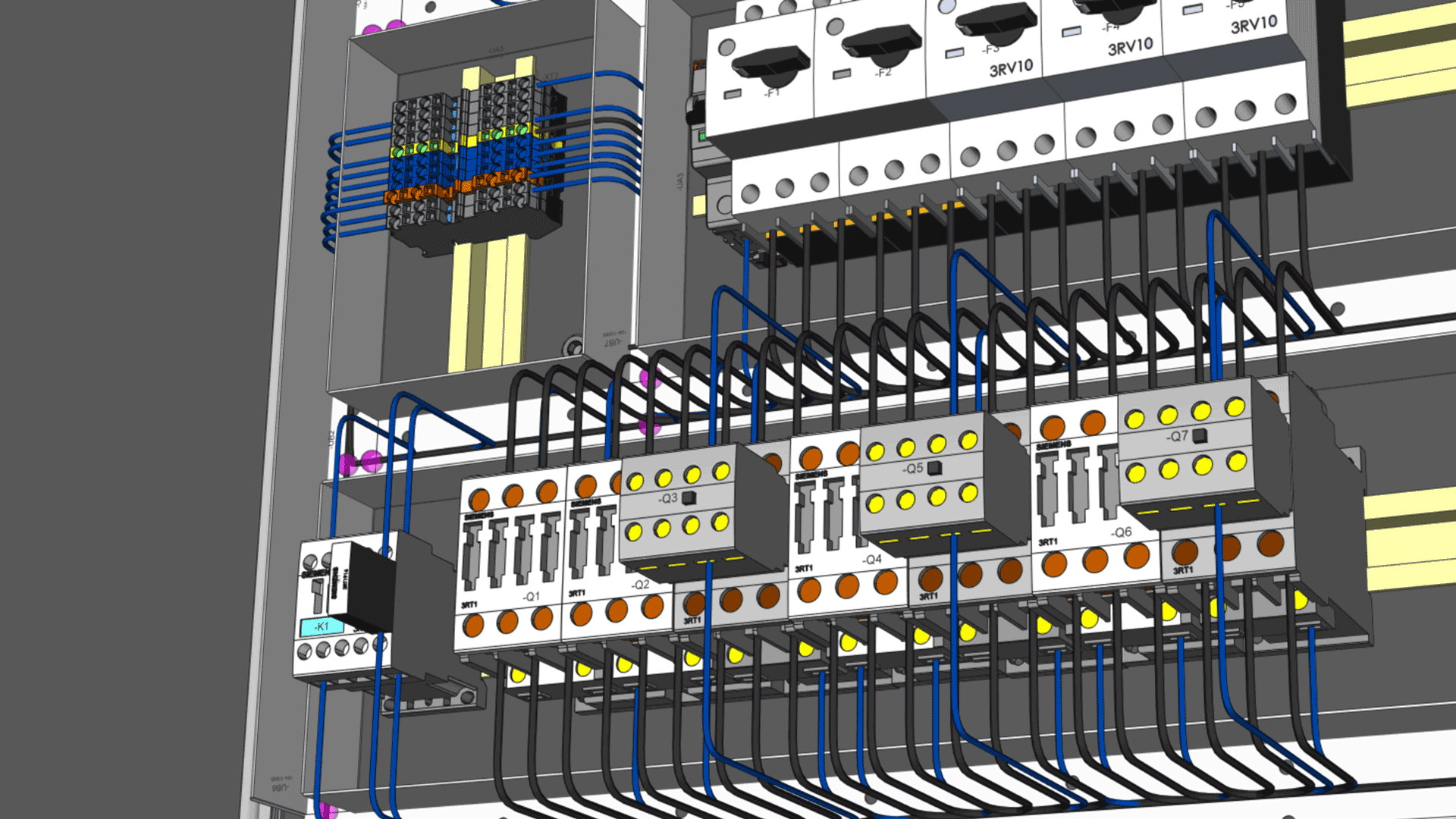
Cabinet layout and harness design work from the same connectivity as the schematic, rather than as downstream drawings that have to be reconciled.
E3.series · Changing ECAD tool
The question that decides an ECAD change is rarely which tool draws better. It is what happens to the projects, part libraries and standards you already have. Here is how that works with E3.series.
What actually blocks a change
Teams stay with a tool they have outgrown because the cost of moving is unknown. Years of projects, a part library built up by hand, drawing standards a customer has signed off, and engineers who are fast in the tool they know. Those are the real questions, so this page answers those.
What you would be changing to
E3.series holds schematics, control cabinets, fluid diagrams, formboards and manufacturing documentation in a single object-oriented database. Teams most often move because their electrical, panel and harness work has stopped being separable, and maintaining agreement between separate tools has become the job.
Cabinet layout and harness design work from the same connectivity as the schematic, rather than as downstream drawings that have to be reconciled.
Machine options held in a project feature tree and applied by selection. Müller Martini represents up to 80% of all variants this way.
Interfaces to CATIA V5 and V6, SolidWorks, Siemens NX, Solid Edge, PTC Creo and Autodesk Inventor, with changes able to travel in both directions.
Cutting lists, drilling data, terminal plans and bills of materials generated from the model, and regenerated when the model changes.
Measured by customers
A 4 to 8 hour task reduced to 5 to 30 minutes, with configurations assembled from predefined modules instead of drawn for each machine.
Kellenberger, opens in a new tab, precision grinding machines
Reduction for customer-specific vehicle configurations, with CE-compliant documentation generated from the model.
Kässbohrer Transport Technik, opens in a new tab, vehicle transporters
Reduction from order to delivery after integrating E3.series with ERP and PPS, with quotes supplied in days rather than weeks.
Pantec Automation, opens in a new tab, control systems
These are outcomes reported by those customers in their own operating conditions, not a comparison with any other product. What a change would be worth to you depends on your designs. The Test Drive works through a prepared example rather than your own data, so use it to judge the method before you put your own projects in front of a specialist.
Software evaluation
Before any conversation about migrating, see the software do the work. The Test-Drive is a web-based guided tour through a worked design example in E3.series.
Which tool do you use today? EPLAN, SEE Electrical, WSCAD, Aucotec, AutoCAD Electrical or something else. The form has a field for it. A Zuken specialist comes back to you to set your access up, and knowing your current tool means they bring the right comparison to that conversation.